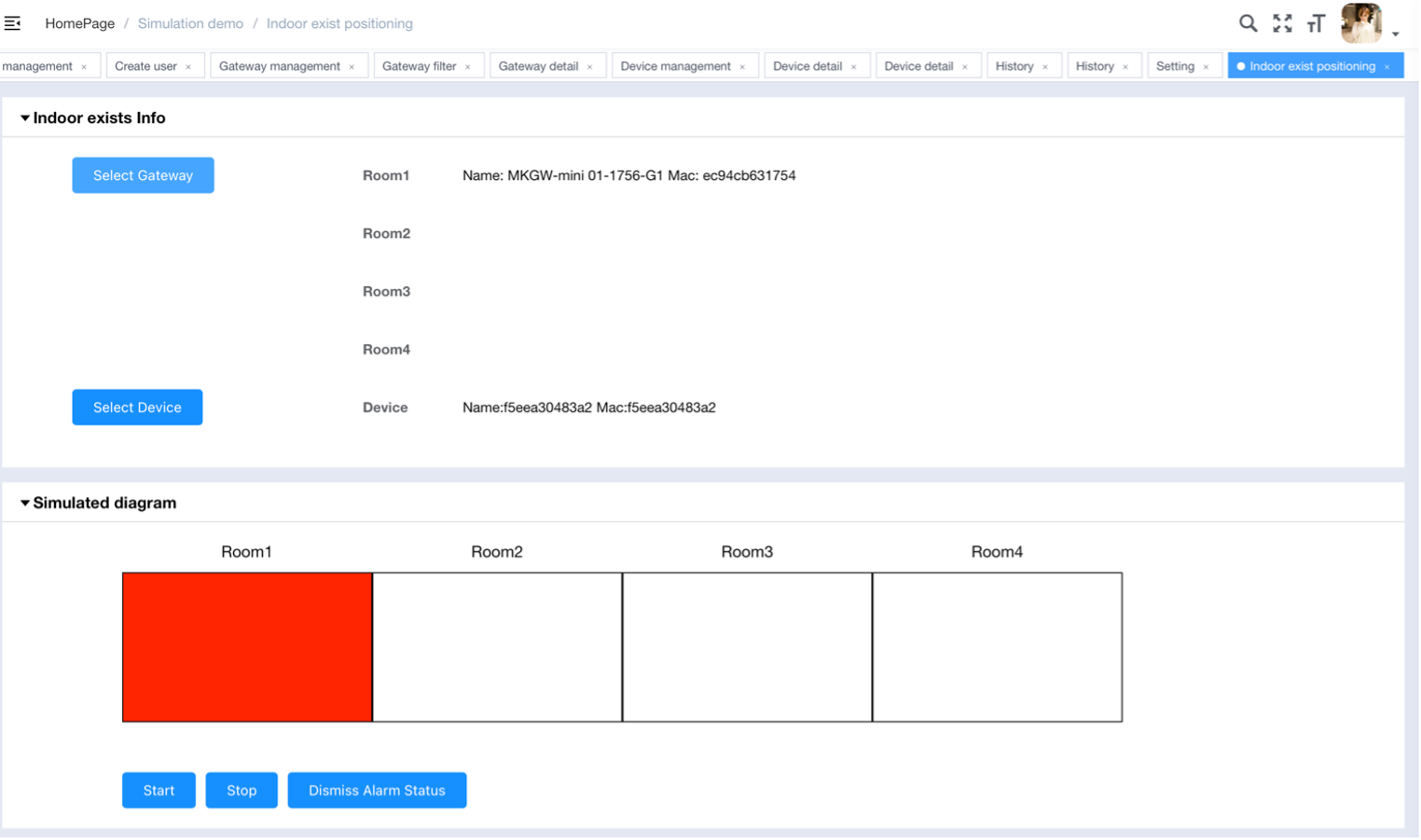
Use gateways and devices to simulate indoor presence positioning. Up to 4 gateways can be selected, with a distance of at least 5 meters between them, to represent 4 rooms. Select one device to represent personnel.
After clicking “Start”, when the device moves, you will be able to observe the corresponding changes in the simulated area represented graphically.
Press the button on the device and the corresponding area will turn red. At the same time, a “Dismiss Alarm Status” button will appear. Clicking this button will automatically connect to the device to clear the alarm. Once deactivated, the device will disconnect, the alarm will be cancelled, and the area will return to its original green state.
Author:admin Create time:2025-09-04 12:12
Last editor:admin Update time:2026-06-12 09:12
Last editor:admin Update time:2026-06-12 09:12