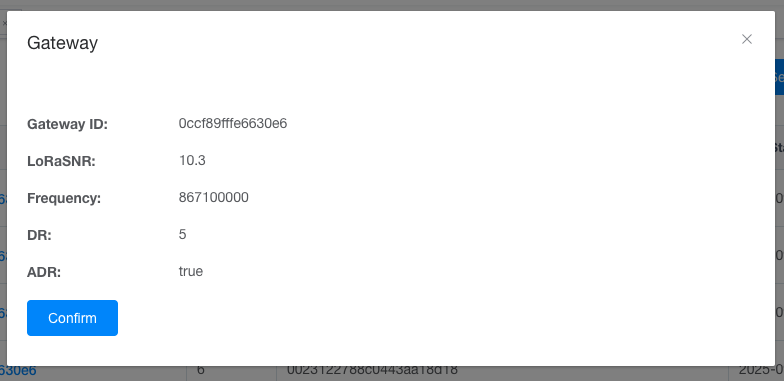
Open the “Details” page. you can view all the reported data, including the gateway information used when reporting the data, the raw data, and the parsed data.
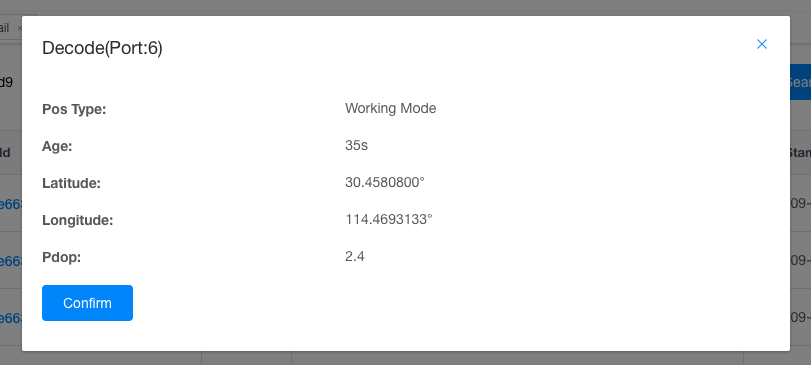
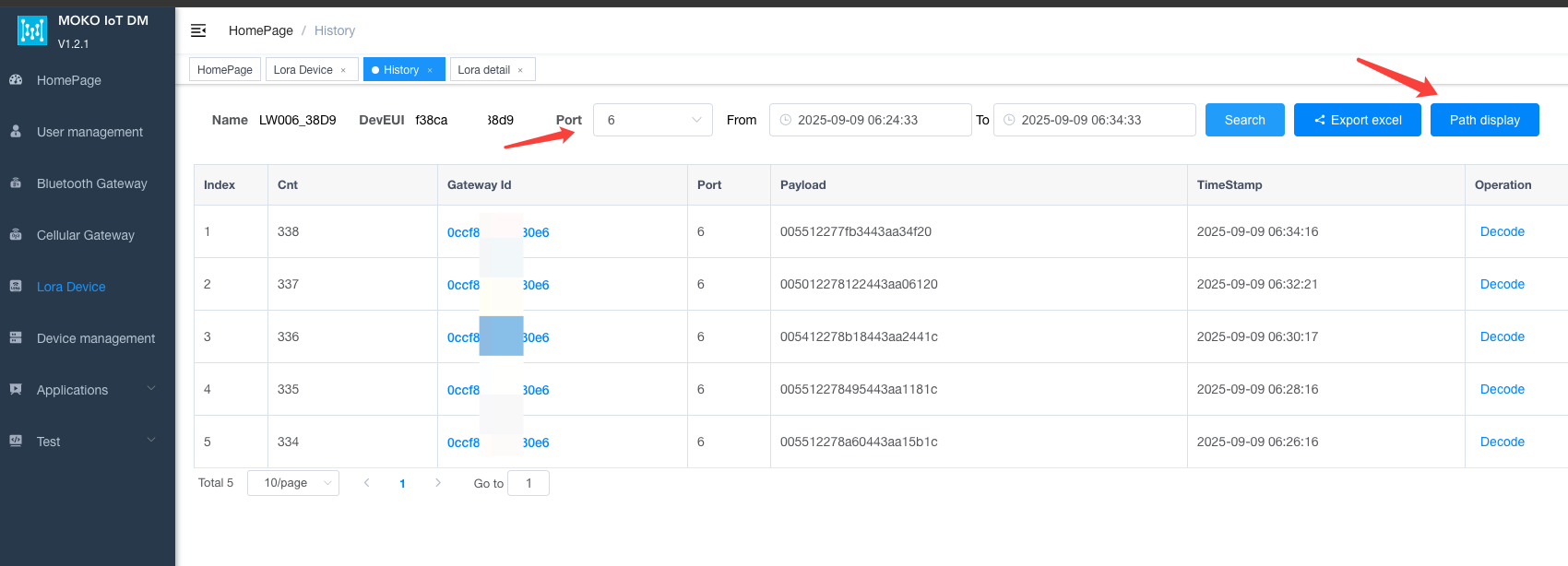
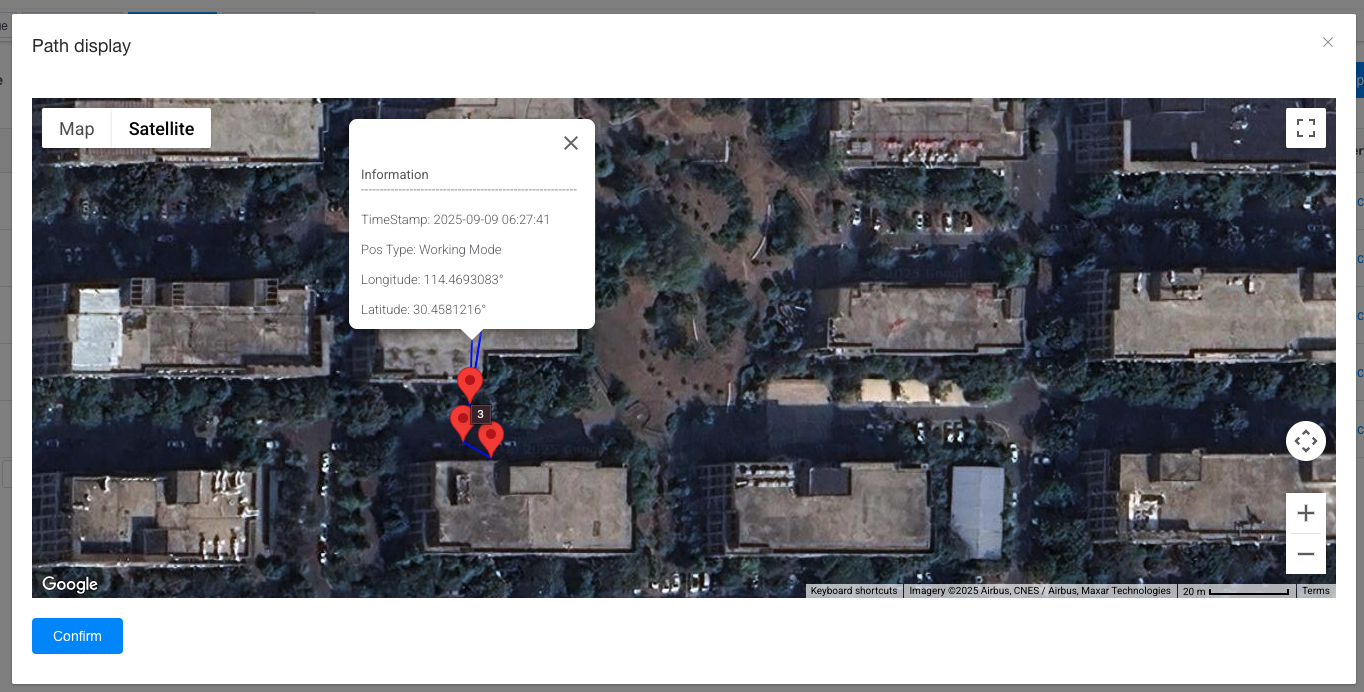
Filter out the data that has been successfully located. For example, port 6 of LW006 indicates a successful location. A path playback button can be displayed. After opening it, you can view the filtered coordinates and paths.
Author:admin Create time:2025-09-04 12:10
Last editor:admin Update time:2026-06-12 09:12
Last editor:admin Update time:2026-06-12 09:12